Pomodoro apps · Compared for 2026
Best Pomodoro apps for students in 2026
A Pomodoro app should help you start, then become forgettable. A plain browser timer may be enough. If it is not, you might need phone blocking, a task list, history across devices or a desktop workspace with your course material nearby.
Quick answer
Which one should you use?
Pomofocus is the quickest browser timer. Forest helps if your phone is the problem. Focus To-Do connects tasks to Pomodoro estimates, while TickTick folds the timer into a larger planning system. FocusWindow puts the timer beside your study material in a desktop workspace.
At a glance
Quick comparison
| App | Best for | Platforms | Free plan | Why use it |
|---|---|---|---|---|
| Pomofocus | A simple browser timer | Web | Yes | Fast setup with tasks and reports |
| Forest | Motivating phone-free sessions | iOS, Android, browser | Yes | Visible trees make completed sessions feel concrete |
| Focus To-Do | Pomodoro-based task planning | Windows, macOS, iOS, Android, browser extension | Yes | Connects Pomodoro estimates and history to tasks |
| TickTick | Planning and focusing in one app | Web, Windows, macOS, iOS, Android, Linux | Yes | Tasks, calendar, habits and focus records connect |
| FocusWindow | Immersive desktop Pomodoro sessions | Windows desktop | Yes | Timer sits beside tasks, sound and source material |
We checked features and availability against each product's official documentation on August 9, 2026. Prices and features may change.
How we compared the apps
We read the official product documentation and judged each app by the student problem it claims to solve. This is a researched comparison. We did not pretend to conduct identical long-term tests on every product.
- How quickly you can start
- Control over work and break lengths
- Whether tasks and history are useful
- Which platforms are supported
- Whether the extra features help or distract
Our recommendations
01
Pomofocus: best for a simple browser timer
- Best for
- A simple browser timer
- Platforms
- Web
- Price
- Free; optional premium
- Best alternative
- Focus To-Do for deeper task tracking
Pomofocus asks very little of you. Open the website, name a task and start the timer. Custom intervals and a small task list cover the basics without adding another installed app.
The drawback is obvious: your whole browser remains one tab away. If that is where you usually get distracted, keep the other tabs under control or pair Pomofocus with a blocker.
Pros
- No installation
- Clear work and break sequence
- Simple task estimates and reports
Cons
- The browser remains available
- Not a full planner
The catch: Limited blocking and workspace features
Source: Pomofocus product page
02
Forest: best for motivating phone-free sessions
- Best for
- Motivating phone-free sessions
- Platforms
- iOS, Android, browser
- Price
- Free tier; optional Plus
- Best alternative
- Pomofocus for a neutral timer
Forest adds a small reward and consequence to the timer. Stay focused and a tree joins your forest. Abandon a strict session and it may wither. That makes the app particularly good at interrupting the habit of reaching for your phone.
The tree records that you stayed, not what you finished. You still need to decide what the session is for before planting it.
Pros
- Strong motivation on mobile
- Deep Focus app blocking
- Visible history over time
Cons
- The game will not suit everyone
- Not designed for assignment planning
The catch: Gamification can distract from the actual study outcome
Source: Forest features and plans
03
Focus To-Do: best for pomodoro-based task planning
- Best for
- Pomodoro-based task planning
- Platforms
- Windows, macOS, iOS, Android, browser extension
- Price
- Free with optional upgrade
- Best alternative
- Pomofocus for simplicity
Focus To-Do combines Pomodoro sessions with subtasks, due dates, reminders and reports. You can estimate an assignment in cycles, then see how much time each project actually took.
That is handy during exam preparation. It is also unnecessary if you already have an assignment system you trust. Running the same task list in two places soon becomes a chore.
Pros
- Tasks and timer share one system
- Works across devices
- Keeps historical focus statistics
Cons
- May duplicate an existing planner
- Busier than a plain timer
The catch: More setup than a timer-only tool
Source: Focus To-Do features
04
TickTick: best for planning and focusing in one app
- Best for
- Planning and focusing in one app
- Platforms
- Web, Windows, macOS, iOS, Android, Linux
- Price
- Free plan; Premium subscription
- Best alternative
- Focus To-Do for a Pomodoro-first workflow
TickTick is a full productivity system with tasks, calendars, habits, a Pomodoro timer and focus statistics. You can start a session from a scheduled task and keep the time record attached to the plan.
Use it if you want all of that in one planning app. If your calendar and assignment list already work, a smaller timer will give you less to maintain.
Pros
- Good task integration
- Flexible calendar views
- Focus statistics
Cons
- Important planning features require Premium
- Easy to overconfigure
The catch: Many planning features can be excessive for timer-only use
Source: TickTick features
05
FocusWindow: best for immersive desktop pomodoro sessions
- Best for
- Immersive desktop Pomodoro sessions
- Platforms
- Windows desktop
- Price
- Free plan; optional Pro
- Best alternative
- Pomofocus for device-independent access
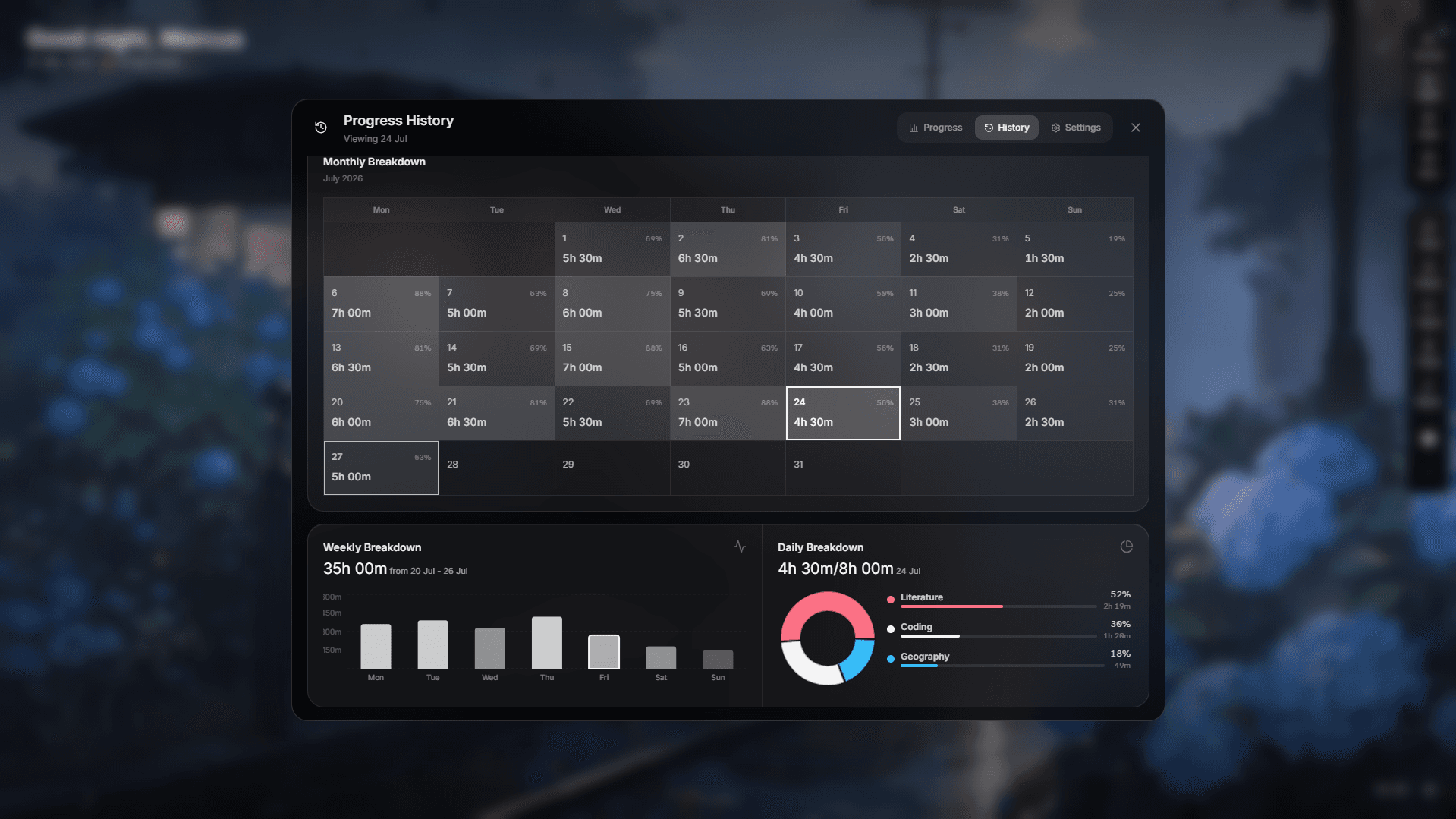
In FocusWindow, the timer sits inside a larger study workspace. Your next task, ambient sound, progress and web-based course material can stay in the same desktop environment.
It belongs on this list for students who get distracted while assembling a session across several windows. If you only want a countdown, Pomofocus is the simpler choice.
Pros
- Study material stays near the timer
- Ambient environment and session history
- Tasks organized by subject
Cons
- Windows only
- More than a timer-only user needs
The catch: Not the right choice for a timer needed on every platform
Source: Explore FocusWindow features
How to choose a Pomodoro app
Start with the smallest timer that solves your problem. Add task planning if you want to estimate and review work in the same app. Add blocking only if you keep leaving the timer for the same distraction.
- 01
You want no setup
Open Pomofocus.
- 02
You keep reaching for your phone
Try Forest.
- 03
You estimate assignments in cycles
Use Focus To-Do.
- 04
You want a calendar and tasks too
Look at TickTick.
- 05
You want a desktop study space
Try FocusWindow.
Treat 25/5 as a starting point
Twenty-five minutes of work and five minutes of rest can lower the barrier to starting. A proof, essay draft or coding problem may need 45 to 50 minutes so you do not keep losing context. Shorten the block if you regularly escape halfway through. Lengthen it if the bell keeps interrupting good work.
A simple Pomodoro routine for students
Pick one task, estimate the number of blocks and write the first visible action. Work for one interval, take a break away from the screen, then mark your progress or revise the estimate. After three or four blocks, take a longer break. Before continuing, check that the next session still deserves the time.
Related: fit the timer into the rest of your study setup · reduce distractions around each block
Frequently asked questions
What is the best free Pomodoro app?
Pomofocus is a capable free timer that runs in a modern browser. Forest is a better fit for phone blocking and visual motivation. Pick Focus To-Do if you want tasks and focus history in the same app.
Is 25 minutes long enough for studying?
It is long enough to start and make progress on a defined task. Use longer blocks when complex work suffers from repeated context switching.
How many Pomodoros should a student do per day?
Plan around work you can finish, not a fixed score. Four focused blocks can be more useful than ten sessions with no clear outcome. Add more gradually and leave time for classes, meals, movement and sleep.
Should breaks include my phone?
Usually not. A five-minute feed can easily overrun and keeps attention stimulated. Stand up, get water or look away from a screen instead.
Read next